
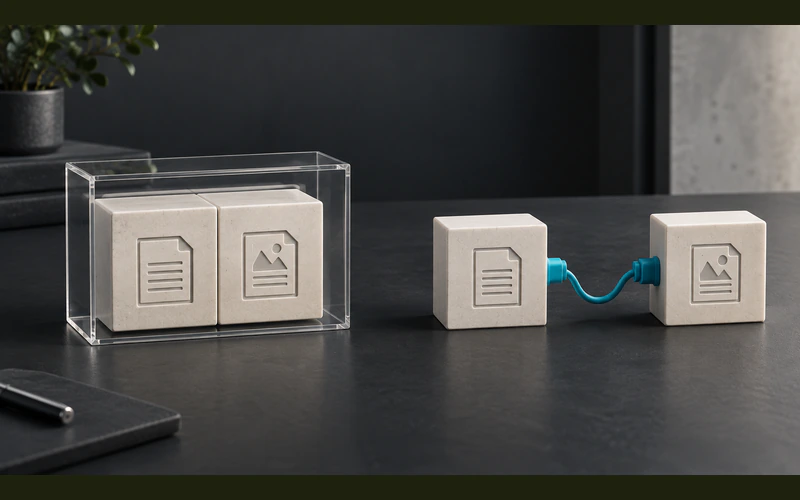
Headless or Traditional WordPress: Decide by Workflow
By Attors Technologies
Compare headless and traditional WordPress by editing workflow, preview, integrations and operating costs before separating your CMS from the frontend.
Insight Category
Compare platforms through the work your team needs to do after launch. Review editing, ownership, architecture and migration requirements before choosing or changing a CMS.
Featured Story
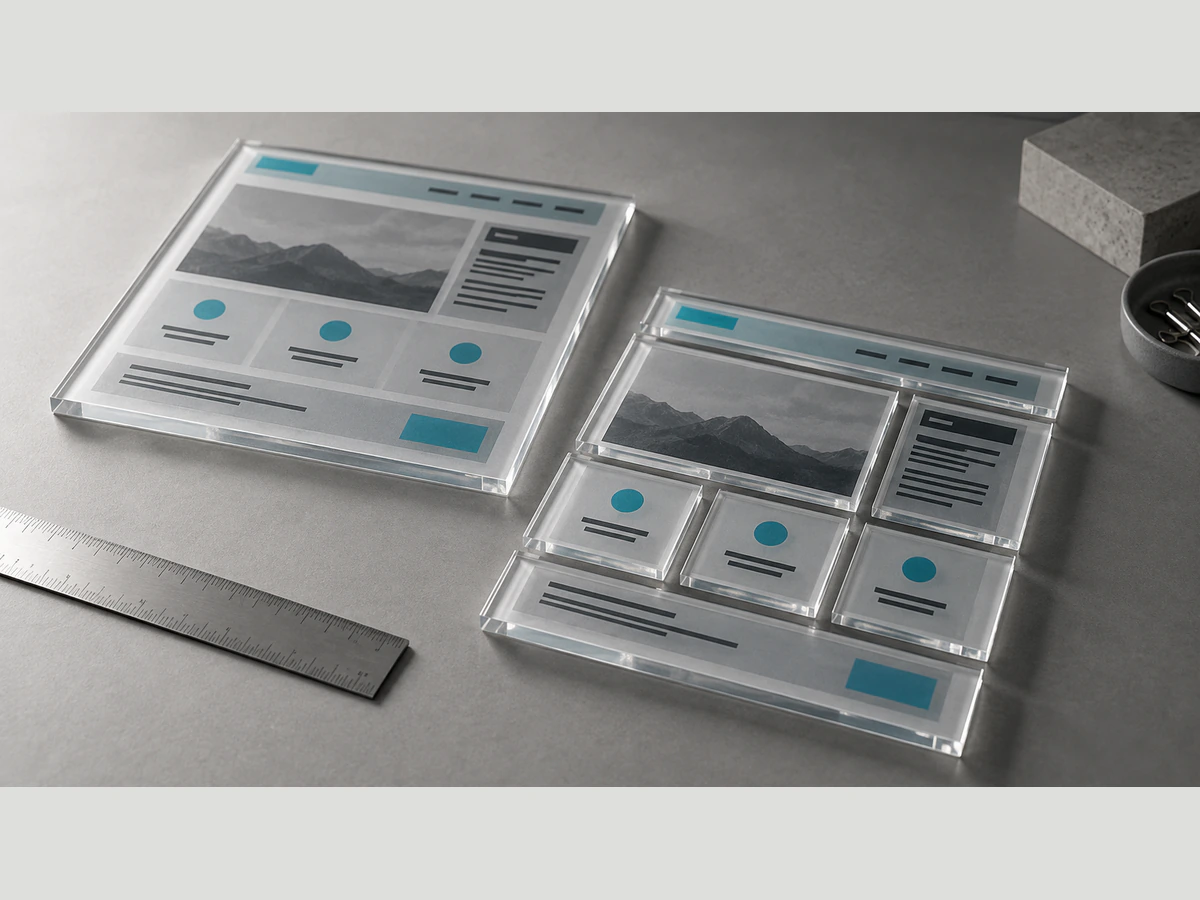
Assess an Elementor to Gutenberg migration by inventorying layouts, dynamic content and editing needs, then plan a controlled rebuild and acceptance tests.
Read the guideExplore the Archive
Browse the remaining published insights below, ordered from newest to oldest.
By Attors Technologies
Compare headless and traditional WordPress by editing workflow, preview, integrations and operating costs before separating your CMS from the frontend.
By Attors Technologies
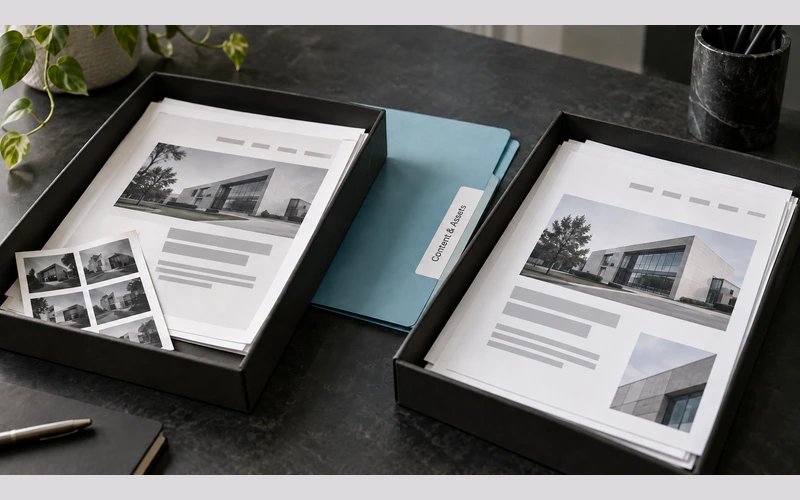
Plan a Wix to WordPress move by inventorying content, URLs, forms and media, separating reusable assets from features that need rebuilding and testing.
By Attors Technologies
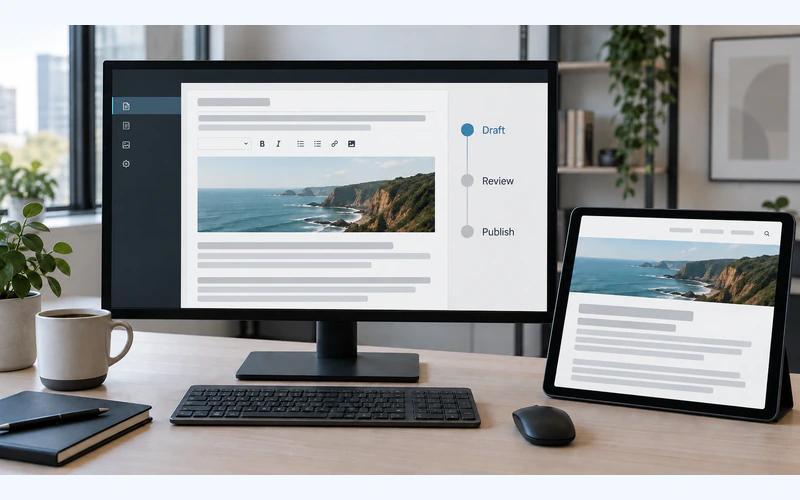
Define a CMS editorial workflow around roles, content reviews, reliable previews and publishing checks so marketing teams can update the website with confidence.
By Attors Technologies
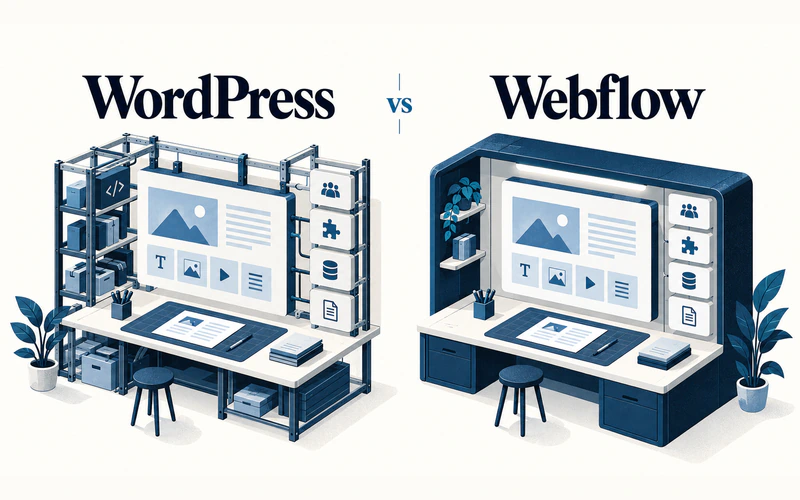
Compare WordPress and Webflow for content editing, integrations, hosting and ownership, then test each against the work your team needs to do after launch.