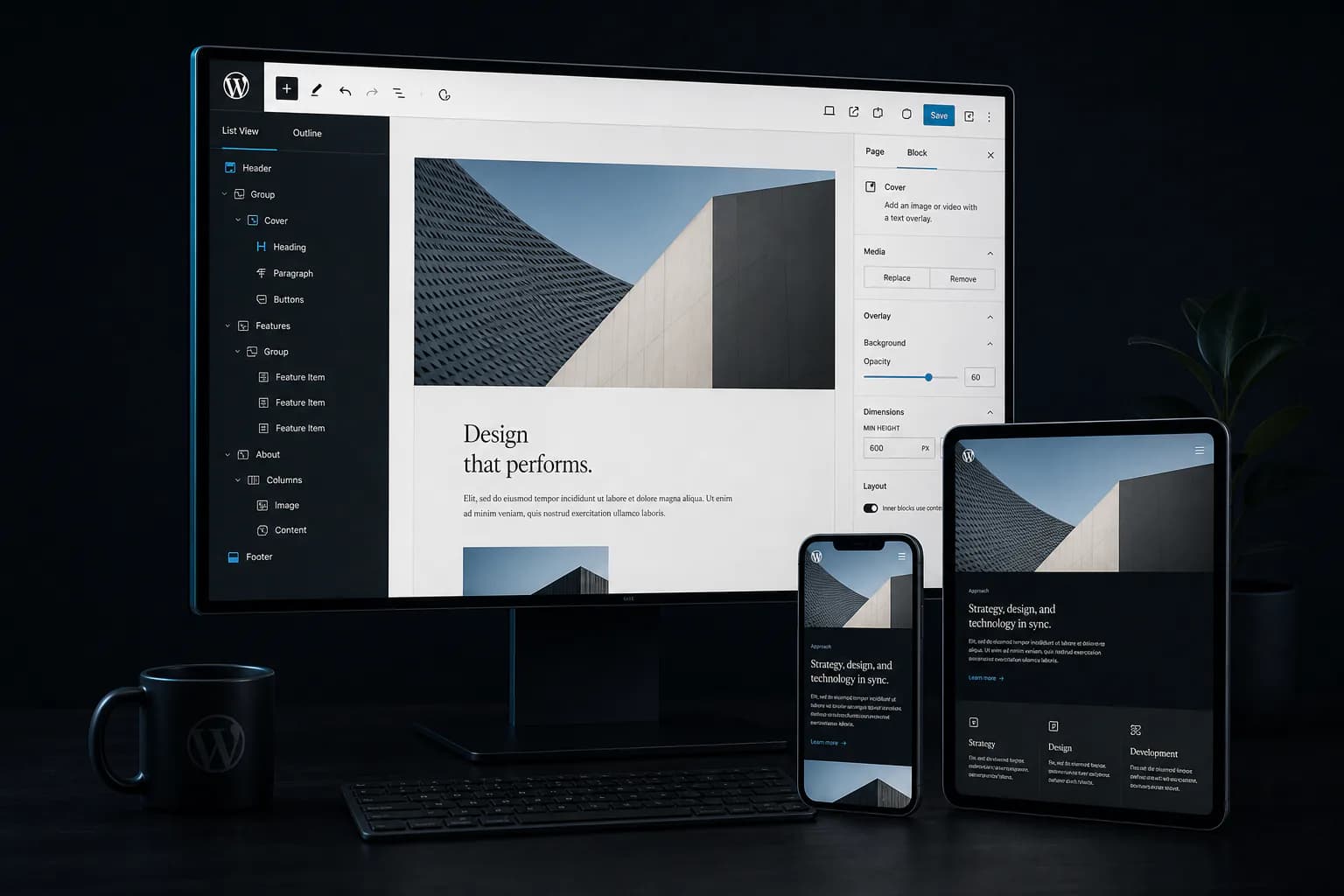
Custom WordPressDevelopment Built forContent, Speedand Growth
Attors is a WordPress development agency that plans and builds custom business websites with structured content, practical editing workflows and documented integrations.
We plan content, URL and platform migrations around verified requirements, then build a stronger foundation for publishing, integration and future improvements.
Professional WordPress Development Planned Around Your Business
Professional WordPress development starts with the information customers need, the updates editors make and the systems the website must connect to. Attors translates those needs into content models, custom templates, Gutenberg blocks and integrations.
Instead of treating a preconfigured theme as the project plan, we select the architecture and editing controls for the agreed scope. The result is a WordPress website that is easier to publish, govern and extend.
Custom post types and structured fields keep important information consistent across pages and templates.
02
Controlled Publishing
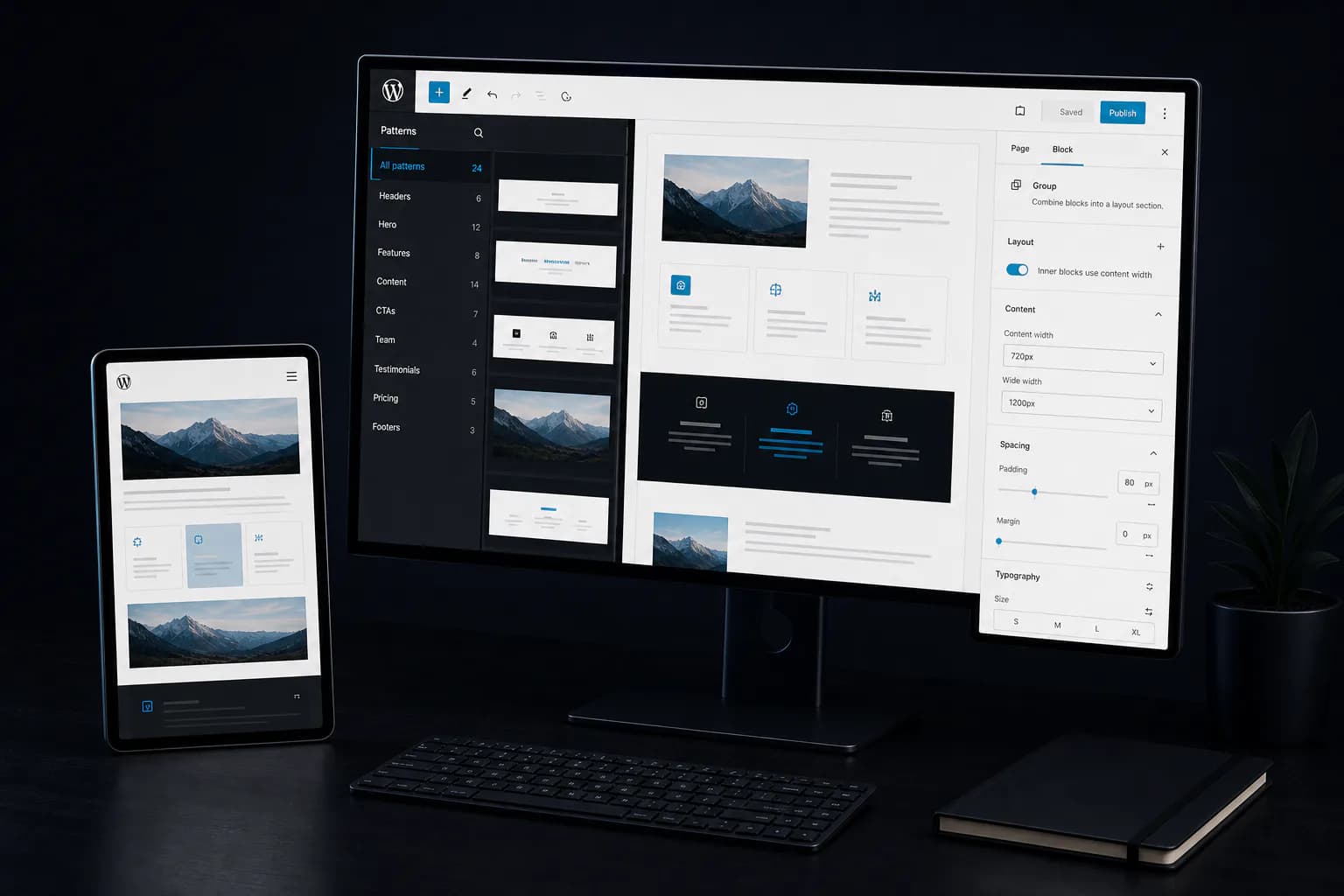
Gutenberg blocks, approved patterns and role controls give editors practical freedom within the design system.
03
Connected Workflows
Forms, APIs and approved business systems exchange the information required by customer and operational journeys.
04
Maintainable Growth
Reusable templates and documented dependencies make future pages and functionality easier to govern.
Selected WordPress Work
See the Quality Standard Behind Our WordPress Development
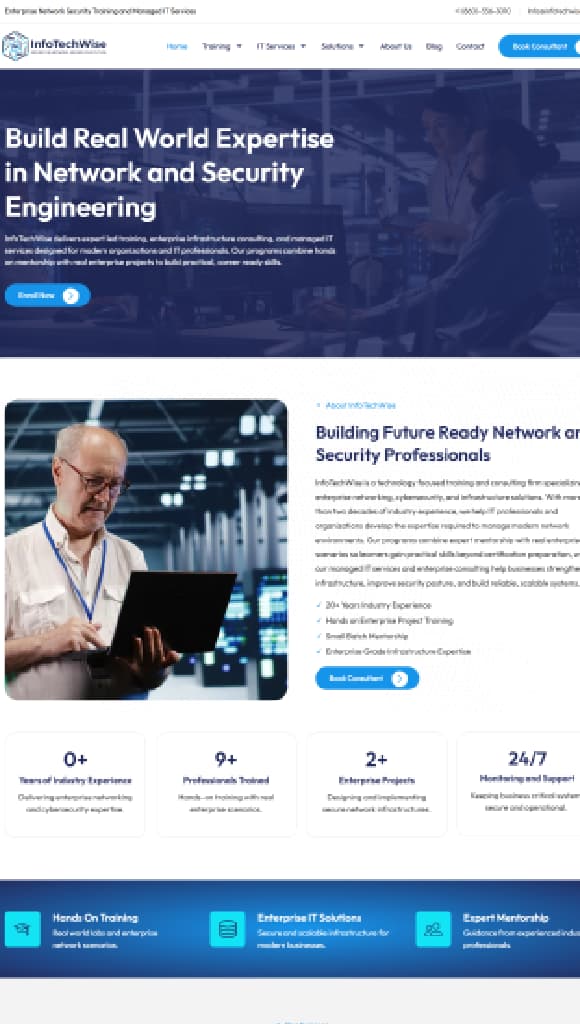
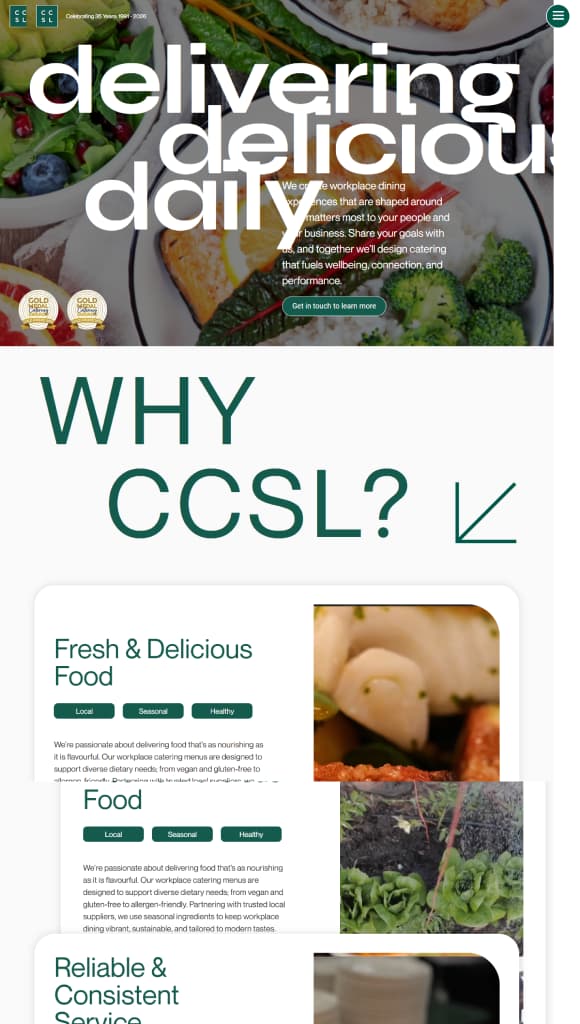
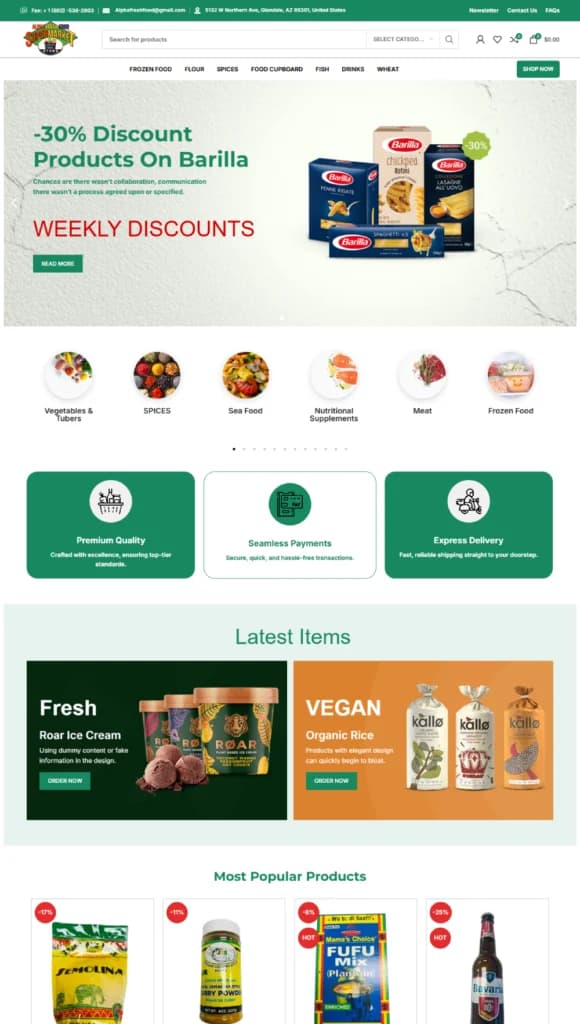
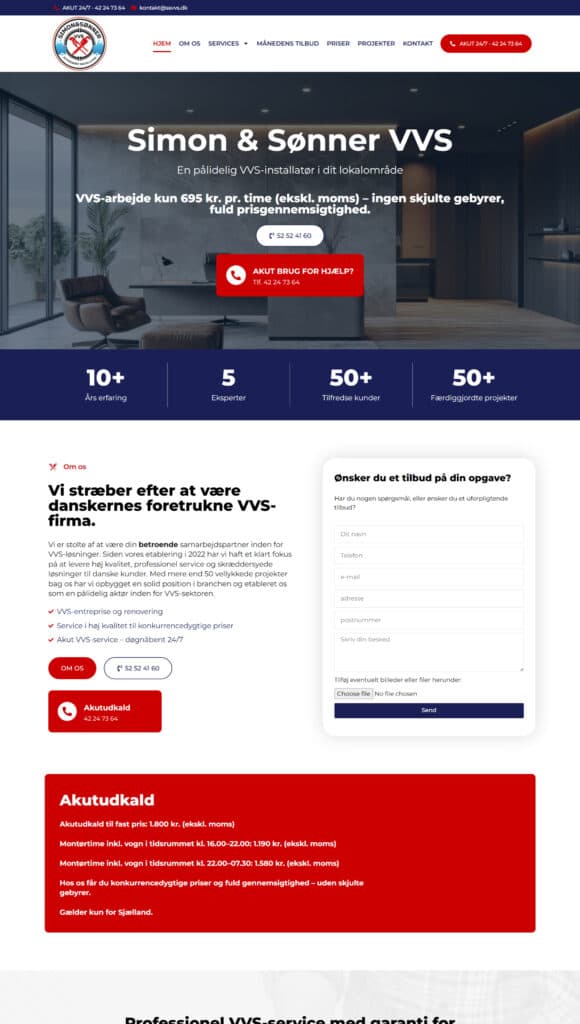
Review selected Attors website work to understand the interface quality, responsive execution and production discipline we bring to WordPress projects.
The right platform follows the requirements, not the other way around.
Comparison of WordPress, a managed website platform, a commerce platform and custom development across suitability, selection criteria and ongoing responsibilities.
Platform direction
Best suited to
Choose it when
Plan for
Review details
WordPress
Content-led business websites with ongoing publishing needs.
You need structured publishing, reusable components and integrations.
Hosting, updates, security and ongoing technical stewardship.
Requirements review
What Attors would confirm for a WordPress build
We validate the content model, editorial roles, integration requirements, hosting responsibilities, performance targets and maintenance ownership before recommending the final WordPress architecture.
Focused marketing websites with limited content complexity.
Simplicity, speed and vendor-managed infrastructure are priorities.
Platform boundaries, recurring fees, portability and integration limits.
Requirements review
What Attors would confirm for a managed platform
We review template and CMS limits, collaboration needs, integrations, export options, hosting terms and the likely cost of working within the platform over time.
Businesses with catalogs, checkout and day-to-day store operations.
Selling products or services is the website's primary workflow.
Apps, transaction costs, operational governance and store integrations.
Requirements review
What Attors would confirm for a commerce platform
We review products, markets, checkout, payments, inventory, fulfilment, reporting, staff roles, apps and integrations before recommending a commerce architecture.
Organizations with unique portals, permissions, workflows or data models.
Standard platforms cannot support the requirement reliably.
Dedicated engineering ownership, infrastructure and long-term support.
Requirements review
What Attors would confirm for custom development
We define user journeys, roles, permissions, data models, integrations, security, infrastructure and product ownership before shaping a custom development scope.
What Attors Can Build with WordPress for Your Business
Custom WordPress development can include project-specific templates, content structures, Gutenberg blocks, functionality and integrations. Attors selects the right combination for the approved business and editorial scope.
Scope, architecture and platform decisions are confirmed before development begins.
Custom Themes
Custom WordPress templates and responsive theme code for the approved interface, content priorities and performance needs.
Structured Content Models
Custom post types and structured fields that keep recurring information consistent and easier to manage.
Reusable Blocks & Components
Gutenberg blocks, patterns and frontend components that let teams publish without rebuilding layouts.
Custom Functionality
Purpose-built features for workflows that standard themes cannot support reliably.
Approved Plugins
Vetted extensions selected and configured only where they add clear value without unnecessary overlap.
APIs & Integrations
Documented connections with forms, CRM, marketing, payment and operational systems.
Roles & Publishing Workflows
Practical permissions, review steps and editing safeguards for internal content teams.
Responsive Frontend Development
Accessible, production-ready interfaces tested across desktop, tablet and mobile.
Gutenberg Publishing Workflow
From Draft to Publish, Every Step Stays Controlled
A structured WordPress editorial workflow gives content teams clear tools for creating, reviewing, previewing and publishing pages while approved patterns and design safeguards keep the website consistent.
Build pages with reusable Gutenberg blocks and approved patterns.
Content Editor
02
Review
Check structured fields, links and required information.
Reviewer
03
Preview
Compare desktop, tablet and mobile presentation before release.
Editor + Designer
04
Approve
Confirm content, permissions and publishing safeguards.
Approver
05
Publish
Release approved updates with ownership and an audit trail.
Publisher
Reusable Blocks
Approved patterns and components ensure content is built the right way, every time.
Structured Fields
Standardized fields capture the right information and keep content organized and searchable.
Role Controls
Clear roles and permissions define who can create, edit, approve and publish content.
Design-System Protection
Guardrails, patterns and style rules protect brand consistency across every page.
WordPress Integrations & Commerce
WordPress Integrations for Connected Business Systems
Attors connects WordPress with approved CRM, booking, form, marketing, authentication and commerce systems. Each integration is planned around available APIs, required data, permissions and operational ownership.
One Platform, Many Connections
Connect the systems your teams rely on while keeping WordPress as the central content platform.
Governed by Design
Plan data flows, permissions and technical ownership before a connection reaches production.
Built for How You Work
Support practical handoffs between customer, marketing, editorial and operational teams.
Extend Without Unnecessary Overlap
Use approved plugins and APIs only where they add clear value to confirmed requirements.
When a project needs deeper system connections or a complete commerce pathway, the detailed scope stays with the service page that owns that requirement.
Keep contacts, enquiries and lifecycle information connected to the customer journey.
Booking
Connect availability, appointments and service requests with the right internal workflow.
Forms
Capture and route submissions with validation, consent and clear follow-up ownership.
Marketing Platforms
Connect approved campaign, email and audience tools without fragmenting customer data.
Authentication
Support protected access, user roles and sign-in flows around confirmed security needs.
APIs & Webhooks
Exchange required data with external services through documented, maintainable connections.
WordPressYour Connected Platform
Commerce Pathway
Catalog
Products, categories and inventory structure.
Checkout
Cart, checkout and customer details.
Payments
Approved gateways and transaction flows.
Operations
Orders, fulfilment and store management.
WordPress Engineering Foundations
WordPress Engineering for Performance, Search & Reliability
WordPress performance, technical SEO, accessibility and security depend on implementation quality. Attors plans rendering, semantic templates, caching, updates and operational responsibilities as one production foundation.
Protect Content, URLs and Search Signals During a WordPress Migration
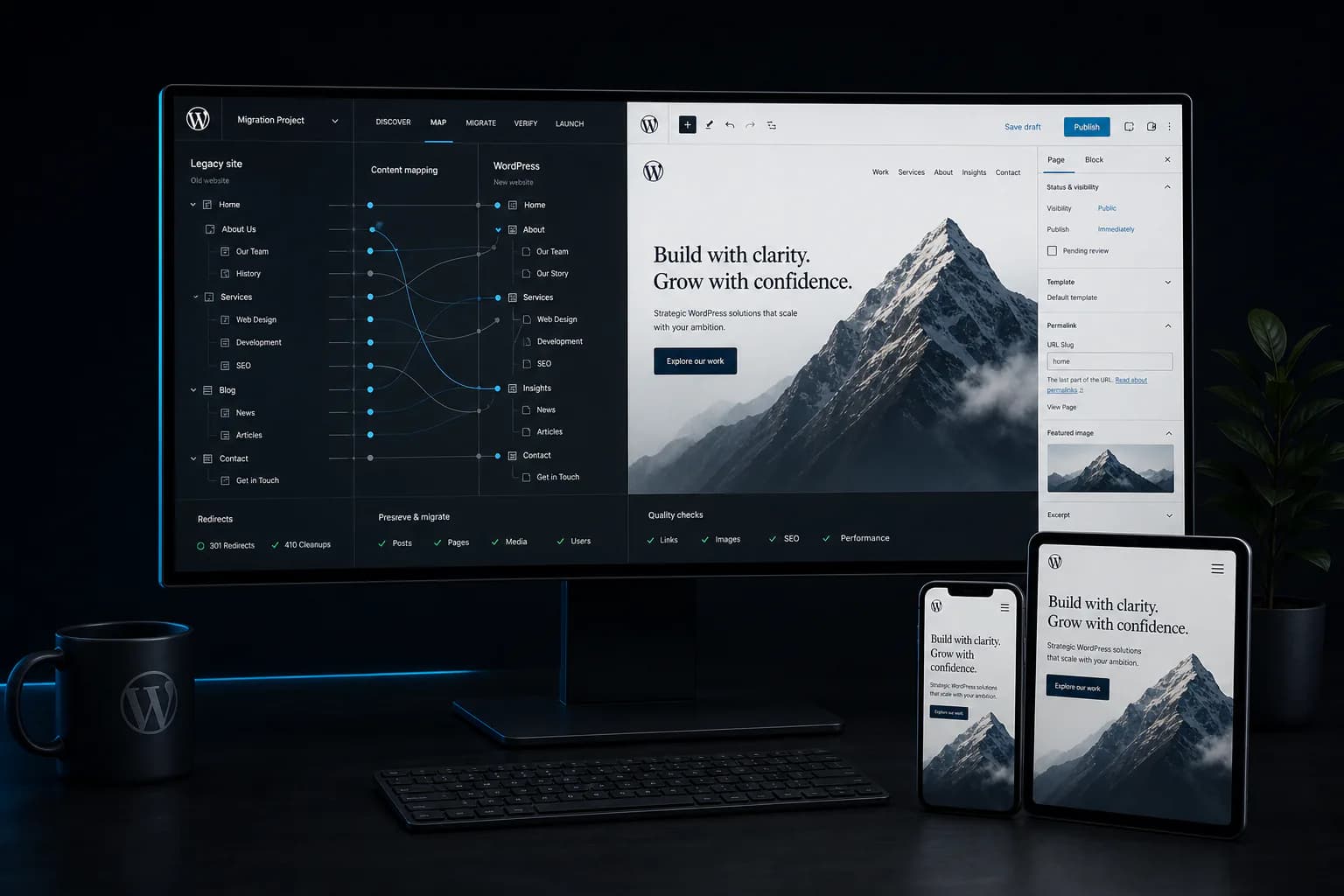
A WordPress migration or redesign can affect content, URLs, metadata, media and connected systems. Attors inventories the current website, maps approved changes and validates priority journeys in staging and after launch.
Content, search and operational continuity are planned together.
01
Record What Exists
Capture the current state so every decision is informed and traceable.
02
Control Every Change
Map, approve and implement changes with oversight at every step.
03
Prove Launch Readiness
Validate the rebuilt experience in staging and again after launch.
01
Content Inventory
Catalog pages, posts and taxonomies to protect what matters.
02
URL Mapping
Map every URL to its destination and classify the change.
03
Redirect Plan
Plan permanent redirects to preserve links and search signals.
04
Metadata Preservation
Retain titles, meta descriptions, schema and canonical signals.
05
Media Handling
Migrate and verify media without breaking approved references.
06
Integration Checks
Verify forms, tracking, APIs and approved third-party connections.
07
Staging & Acceptance
Test priority templates and journeys against agreed criteria.
Launch only after priority pages, redirects, forms, tracking and integrations pass the agreed checks.
WordPress Development Process
From Discovery to Handover, Every Stage Has a Clear Purpose
Attors turns business goals, content needs and technical requirements into a controlled WordPress delivery plan. Each stage includes a clear review point before the project advances.
Goals, audiences, current platform and confirmed constraints.
Client review
Confirm goals and priorities
02
Architecture
Sitemap, content models, template system, editor roles and technical direction.
Client review
Approve structure and technical approach
03
UX & Content Planning
Priority journeys, wireframes and content responsibilities.
Client review
Approve journeys and content plan
04
Development
Responsive templates, Gutenberg blocks and approved custom functionality.
Client review
Review the build and approve functionality
05
Integrations
Approved plugins, forms, CRM, commerce and APIs connected to the agreed workflow.
Decision
Confirm integrations and data flow
06
Quality Assurance
Content, accessibility, performance and functional checks.
Client review
Validate quality and resolve issues
07
Launch
Production release, redirects, caching, analytics and priority journey validation.
Decision
Approve launch readiness
08
Handover
Documentation, access, training and ongoing ownership.
Client review
Confirm handover and next steps
DefineBuildValidateTransition
Frequently Asked Questions
WordPress Development FAQs
Practical answers about custom WordPress development, content editing, migrations, integrations, search visibility, project costs and long-term ownership.
What does a WordPress development agency do?
A WordPress development agency plans and builds websites around business, content and publishing needs. Attors can provide custom templates, reusable Gutenberg blocks, structured content fields, integrations, migration, responsive development and quality assurance. The proposal identifies the agreed deliverables, client inputs, launch checks and handover materials, so content production, third-party fees and ongoing support are not assumed to be included.
Can you improve our existing WordPress website without rebuilding it?
Yes, when the current code, content structure and plugins can support your requirements reliably. Attors reviews the existing website before recommending targeted improvements or a rebuild. We look at editing limitations, design consistency, performance, integrations and maintenance risk. Useful content and working functionality are retained wherever practical; a rebuild needs a clear reason beyond changing the appearance.
Will our team be able to update content without a developer?
Routine content updates can be managed through an editing system designed for your team. Reusable Gutenberg blocks, approved patterns and structured fields let editors work within consistent layouts, while roles and permissions limit access to sensitive settings. Attors confirms the editing tasks and training included in scope. New features or changes outside the approved layout system may still require development.
Do we need a headless WordPress website?
Not every WordPress project needs a headless architecture. A conventional WordPress frontend can suit a straightforward publishing website. Headless WordPress separates the editorial CMS from a frontend such as Next.js and can support more specific interface or multi-channel requirements. It also requires deliberate preview, caching, SEO and integration work. Attors assesses those trade-offs before recommending either approach.
Can you migrate or redesign our website while protecting existing SEO?
Attors plans a WordPress migration around the content and URLs that already matter. The work can include a content inventory, URL mapping, permanent redirects, metadata preservation, media checks and validation of forms and integrations. We review the rebuilt site in staging and check priority journeys after launch. These safeguards reduce avoidable migration risk, but no agency can guarantee unchanged rankings or traffic.
Can WordPress connect to our CRM, booking tools or online store?
Yes, where the systems provide suitable plugins, APIs or supported integration methods. Connections can cover forms, CRM records, bookings, marketing tools and authentication. WooCommerce can provide a commerce pathway when products, checkout and store operations are required. Attors reviews access, data mapping, permissions, error handling and third-party limits before confirming what is feasible and including it in the project scope.
Will the WordPress website support SEO and AI search visibility?
Attors can build the technical foundations for discovery: crawlable page content, semantic HTML, clear headings, metadata, canonical URLs, internal links and structured data that matches visible content. In a headless build, the frontend must render these signals rather than relying on CMS settings alone. Useful, accurate content remains essential. Rankings, AI citations and appearances in search answers cannot be guaranteed.
How do you approach WordPress performance and accessibility?
Performance and accessibility are planned into the build rather than added only at launch. Attors reviews asset delivery, caching, rendering and Core Web Vitals alongside keyboard operation, visible focus, semantic structure, contrast and responsive layouts. Testing covers the agreed templates and priority journeys. Third-party scripts, hosting and later content changes can affect results, so acceptance criteria and ongoing responsibilities are confirmed in scope.
Who handles WordPress security, updates and maintenance after launch?
The project scope identifies who manages hosting, backups, WordPress core, themes, plugins and connected services after launch. Where maintenance is agreed, the plan should define update testing, monitoring and incident responsibilities. Handover does not automatically include ongoing support. No website is risk-free, so controlled access, maintained dependencies and a usable recovery process remain important throughout its life.
How long does a custom WordPress development project take?
The timeline depends on template and component count, content readiness, custom functionality, integrations, migration volume and testing requirements. Stakeholder feedback and access to third-party systems also influence delivery. Attors prepares a project-specific plan once the main requirements and dependencies are understood, with review points and client responsibilities identified before development begins.
How much does custom WordPress development cost?
WordPress development cost reflects the agreed work, not page count alone. Architecture, design, reusable components, editorial workflows, integrations, migration, testing and handover all influence the estimate. Hosting, paid plugins and ongoing support are identified separately where relevant. Share your current website, goals and required functionality so Attors can prepare a written scope and an estimate based on your requirements.
What will we receive at handover, and who owns the website?
The agreement should define the code, design assets, content, documentation and account access included in handover, together with ownership and licensing terms. Attors confirms those expectations before development and documents the agreed editing and operational responsibilities. WordPress and third-party software retain their applicable licenses. Training, warranty arrangements and ongoing support should be explicitly included rather than assumed.