WordPress
Best for: Structured publishing and content-rich websites
- Custom blocks, themes and content types
- Editorial workflows, integrations and SEO
Compare WordPress, WooCommerce, Shopify, Wix, Webflow, Framer and custom development against your content, commerce, integration, ownership and team requirements.
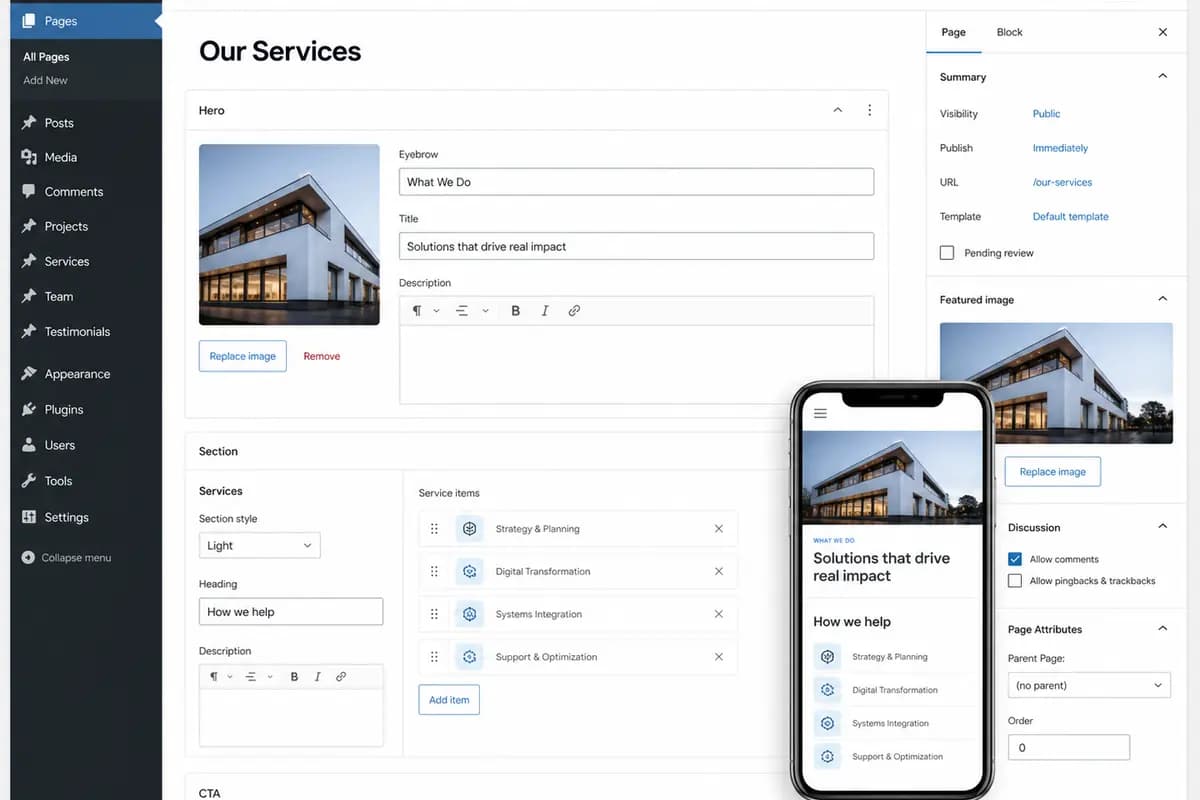
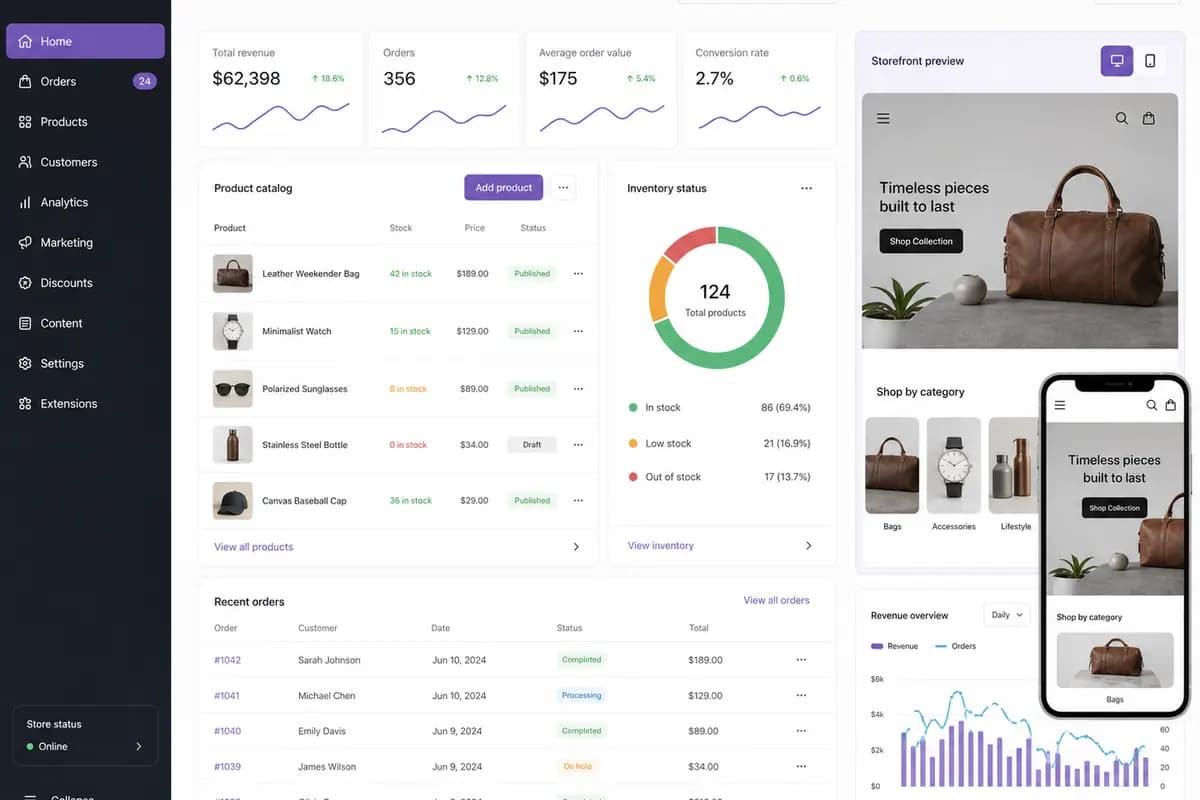
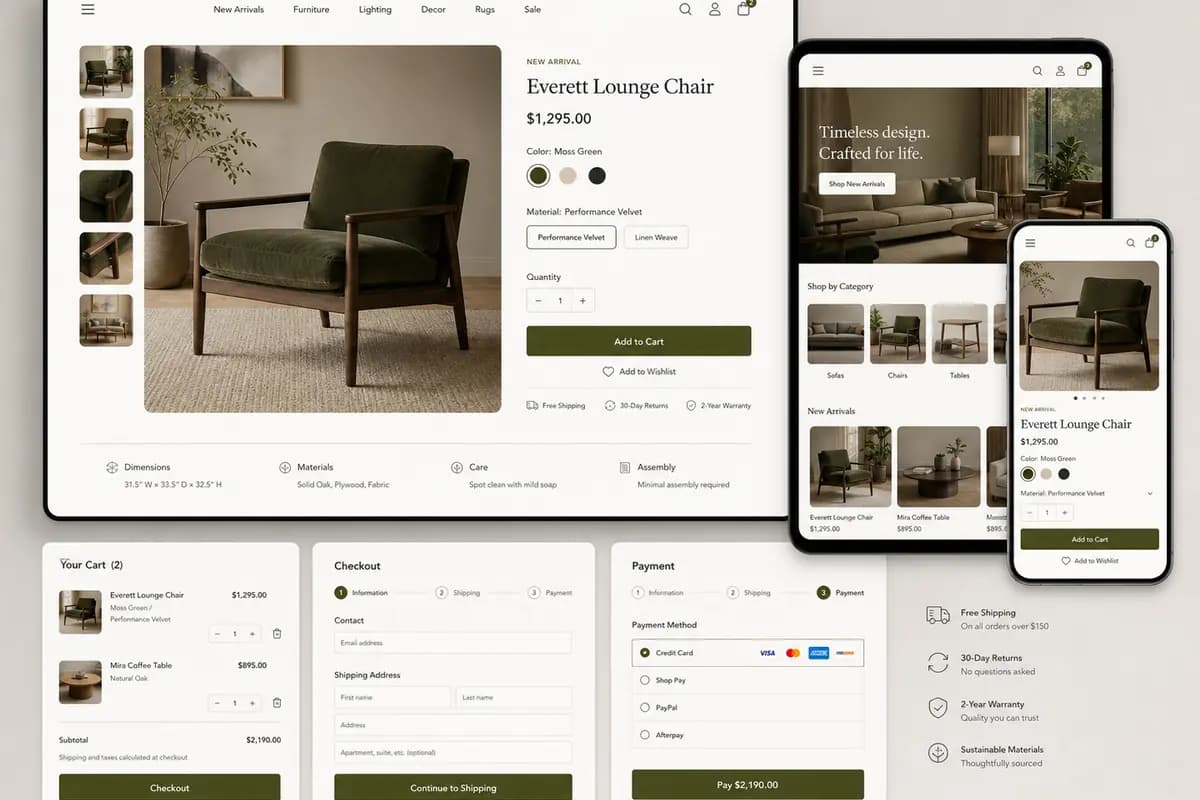
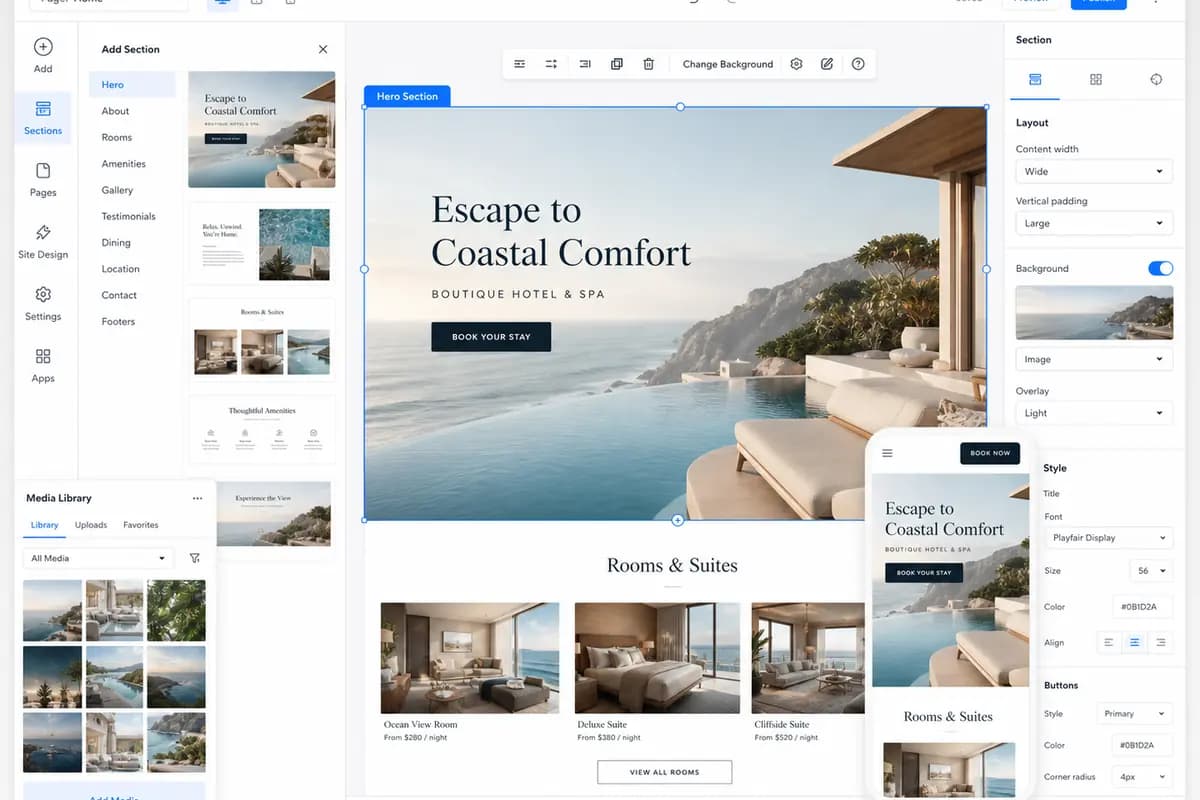
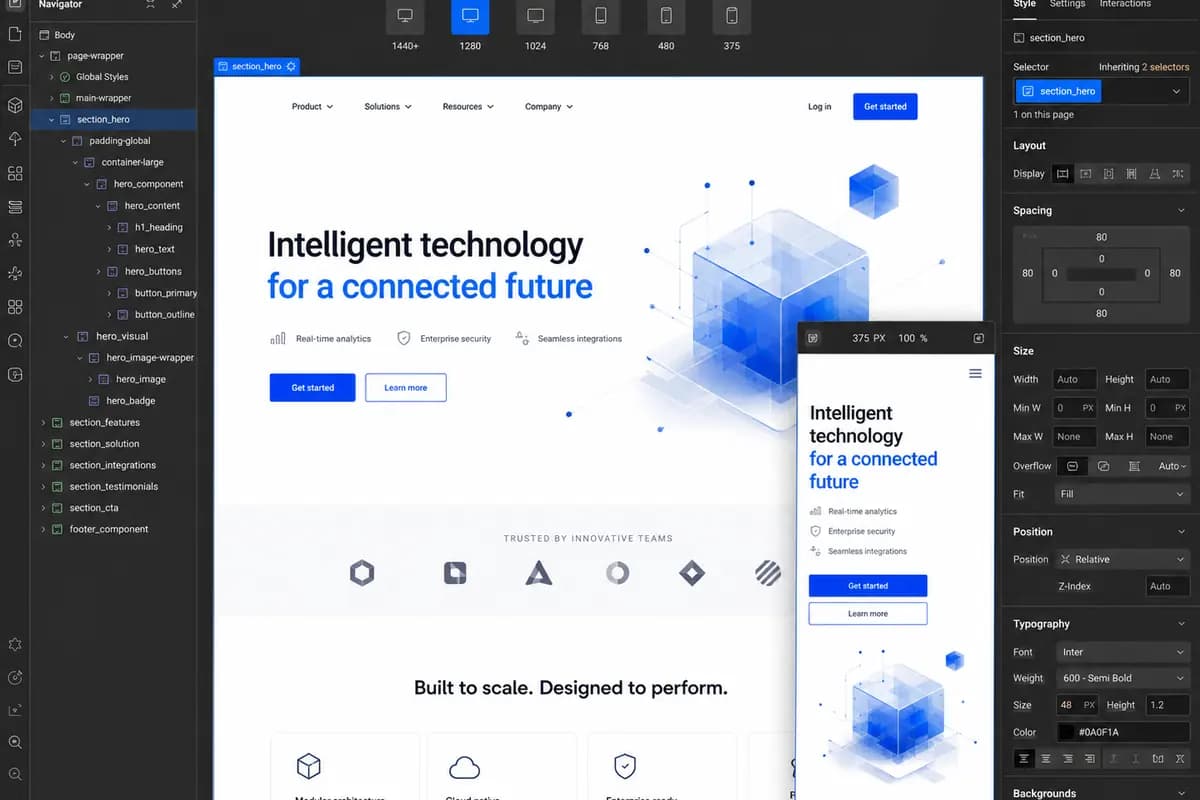
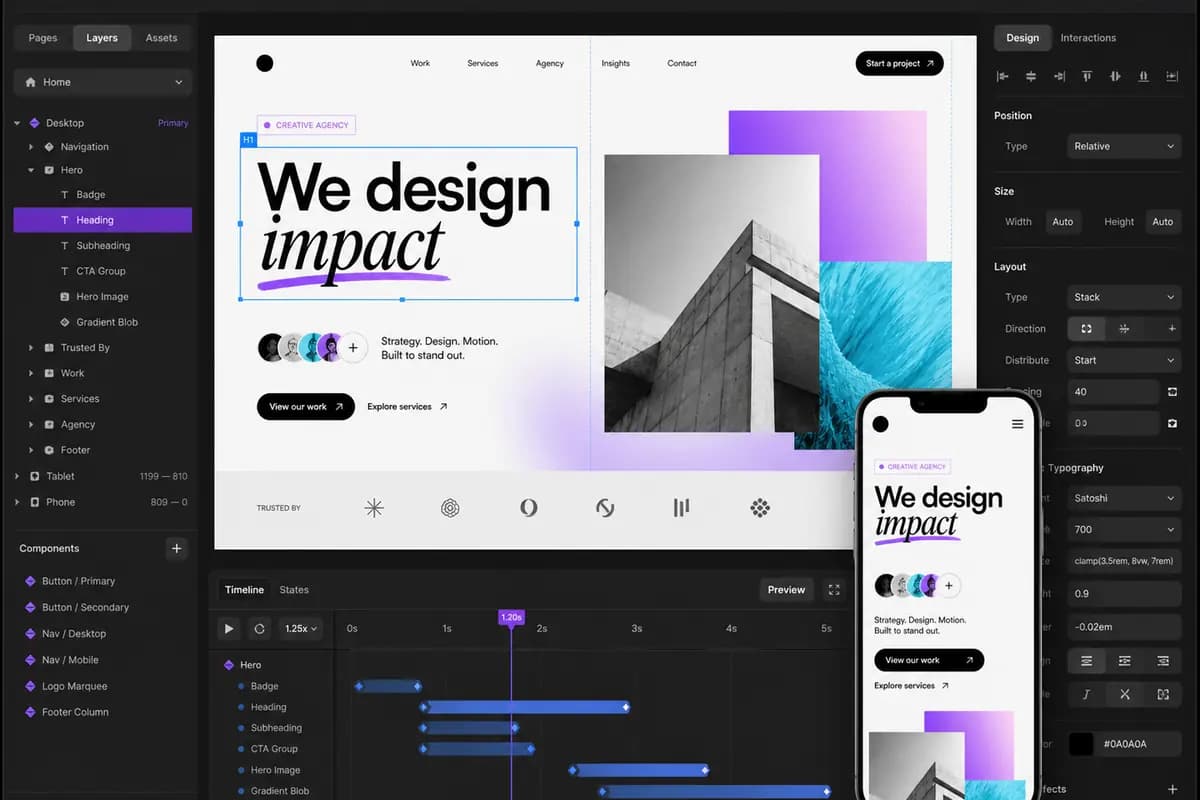
Review what each platform is best suited for, how it can be developed and where deeper technical guidance is available. The right direction depends on the website your business needs to operate, manage and improve.
Best for: Structured publishing and content-rich websites
Best for: Managed online selling and commerce operations
Best for: Open-source commerce with WordPress content
Best for: Managed service and small-business websites
Best for: Design-led marketing sites with structured content
Best for: Focused marketing sites and campaign pages
Best for: Portals, workflows and unique product requirements
Compare CMS and website platform capabilities across publishing, e-commerce, design control, integrations, hosting, ownership and internal workflow. The table also clarifies common decisions such as WordPress vs Webflow, Wix vs WordPress, Shopify vs WooCommerce and Webflow vs Framer without using arbitrary scores.
| Comparison point | WordPress | WooCommerce | Shopify | Wix | Webflow | Framer | Custom Web Platforms |
|---|---|---|---|---|---|---|---|
| Best suited for | Content-rich business websites, publishing and structured information | Content-led online stores that need WordPress flexibility | Product-focused stores and managed commerce operations | Managed business, service and portfolio websites | Design-led marketing websites with structured CMS content | Focused marketing, campaign and portfolio websites | Web applications, portals and workflows with specific requirements |
| Content management | Block editing, custom content types, taxonomies and editorial roles | WordPress editing combined with product, order and store content | Built-in pages, blogs, products, collections and structured data tools | Visual editing, pages, CMS collections and managed content tools | Visual CMS with collections, reusable fields and editor access | Visual page editing with CMS collections and reusable components | A selected CMS or purpose-built content model aligned with the workflow |
| E-commerce | Added through WooCommerce or another commerce integration | Complete open-source store functionality built on WordPress | Core storefront, checkout, payments, inventory and selling tools | Built-in commerce features for standard stores and service sales | Webflow Ecommerce or connected commerce services for suitable store requirements | Commerce added through supported third-party tools and integrations | Custom commerce logic when standard store platforms cannot support it |
| Design control | High control through custom themes, blocks and template systems | High control through WordPress themes, store templates and custom code | Flexible theme sections, templates and headless storefront options | Visual drag-and-drop design within the Wix platform system | High visual control over responsive layouts, interactions and CMS templates | High visual control for responsive layouts, motion and components | Interface and design system built without a platform template constraint |
| Custom functionality | Extended with plugins, custom code, APIs and purpose-built features | Extended with WooCommerce extensions, hooks, plugins and custom code | Extended through apps, APIs, Functions and platform extensions | Extended through apps, Velo development and supported APIs | Extended with apps, APIs, custom code and connected services | Extended with components, code components, plugins and connected tools | Purpose-built application logic, permissions and workflows |
| Integrations | Broad plugin and API options for CRM, marketing, payments and operations | Payments, shipping, CRM, ERP and operations through extensions and APIs | Large app ecosystem, connectors and APIs for commerce operations | App Market connections and APIs for common business requirements | Apps, APIs and automation tools for marketing and business systems | Forms, analytics, plugins, webhooks and custom-code connections | Direct API integrations with business software, data and external services |
| Hosting and ownership | Choose the hosting provider and retain control of the code, content and data | Choose WordPress hosting and retain control of the store code and data | Managed Shopify hosting with the platform operating the commerce infrastructure | Managed Wix hosting with the website operating inside the Wix platform | Managed Webflow hosting for the complete CMS and publishing workflow | Managed Framer hosting, publishing and platform infrastructure | Hosting, source-code ownership and cloud control defined in the project scope |
| Internal team workflow | Built-in roles with editorial access that can be extended for larger teams | WordPress roles plus store-management permissions and operational tools | Staff accounts, roles and permissions for store and content operations | Accessible visual editing with collaborator roles and managed permissions | Editor and team roles for content, design and publishing collaboration | Collaborative design, CMS editing and controlled project access | Roles, approvals and admin tools designed around the actual team process |
| Maintenance | Core, theme and plugin updates, backups and security need active management | WordPress, WooCommerce, extension, hosting and security updates need management | Platform infrastructure is managed; themes, apps and integrations still need care | Platform infrastructure is managed; content, apps and integrations need oversight | Platform hosting is managed; site logic, integrations and publishing still need care | Platform hosting is managed; project content and integrations need oversight | Application releases, infrastructure, security and support follow an agreed plan |
| Recommended when | Choose WordPress when publishing, structured content and extensibility are central | Choose WooCommerce when WordPress flexibility and open-source commerce are both required | Choose Shopify when online selling and managed commerce are the main priority | Choose Wix when accessible editing and standard business functionality are sufficient | Choose Webflow when a visual CMS and design-led marketing workflow are important | Choose Framer for focused visual websites that need CMS content and managed hosting | Choose custom development when workflows, permissions or integrations exceed platform limits |
Start with the outcome the website must support. Platform selection should follow content, commerce, marketing workflow, integration, ownership and maintenance requirements.
For service companies, publishers, resource libraries and content-heavy websites.
For product catalogs, checkout, payments, fulfilment and commerce integrations.
For focused landing pages, marketing teams and frequent visual updates.
For account areas, portals, business systems and complex API requirements.
Retain and improve the current platform when it remains reliable. Migrate only when important requirements cannot be met.
Attors recommends a website platform only after reviewing the business case, required capabilities, internal operations, migration risk and long-term ownership.
Discuss Your RequirementsWe define what the website must achieve, who it serves and how content supports priority user journeys.
We document commerce, functionality and integration requirements before shortlisting suitable platforms.
We review publishing responsibilities, technical safeguards and the operating standards the website must meet.
We assess migration risk, project constraints and long-term responsibility before confirming the platform direction.
Attors can take an approved platform direction through architecture, UX, development, migration, integration, technical SEO, launch and handover under one documented scope.
Discuss Your Platform RequirementsCompare viable options, document trade-offs and define the technical direction before delivery begins.
Custom Web DevelopmentDefine pages, templates, navigation and reusable content models around user and editorial requirements.
Website Design and RedesignDesign accessible user journeys and responsive interfaces for desktop, tablet and mobile use.
UI/UX and Product DesignBuild maintainable themes or components that implement the approved design, content and functionality.
Custom Web DevelopmentConfigure content fields, publishing controls, roles and approval paths for the internal team.
Custom Web DevelopmentDevelop product discovery, catalog, cart, checkout and payment journeys around the selling model.
E-commerce DevelopmentConnect CRM, payment, marketing and operational systems with documented data flows and error handling.
API IntegrationsTransfer content and data while protecting important URLs, redirects, tracking and connected systems.
Migration and ReplatformingImprove loading, rendering stability and frontend efficiency against measured performance issues.
Performance OptimizationImplement crawlable architecture, metadata, canonicals, internal links and structured technical signals.
Technical SEOConfigure analytics and conversion events for the journeys and actions the business needs to measure.
Technical SEO and AI VisibilityValidate functionality, accessibility, responsive behavior and release readiness before handover.
Custom Web DevelopmentHandle agreed updates, monitoring and technical improvements under a separately defined support scope.
Custom Web Development
A current platform assessment separates platform limitations from implementation problems. Attors reviews the existing setup, operating requirements and migration risk before recommending whether to retain, improve or replace it.
Keep it when publishing, required functionality, integrations and internal workflows remain dependable. Focus improvements on measurable issues without adding migration risk that has no business case.
Improve it when the platform still fits but design, performance, content structure, editing or integrations limit results. Targeted changes can strengthen the implementation without an unnecessary rebuild.
Replatform when lasting limits affect commerce, content management, integrations, ownership, performance or maintenance. The migration plan should solve those limits while protecting existing website value.
Each stage defines Attors' work, the client's review, the decision required and the deliverable produced before the project advances.
Plan Your Platform ProjectWe review business goals, priority users, the existing technology, content, integrations and operational requirements.
Current-platform findings, confirmed business priorities, material constraints and the requirements that need further evidence.
Confirm what the website must achieve and which requirements should guide the platform comparison.
A documented business and website platform requirements brief that defines the evaluation criteria.

Direct answers about choosing, improving and migrating WordPress, WooCommerce, Shopify, Wix, Webflow, Framer and custom web platforms.

There is no single best website platform for every business. WordPress suits content-led websites that need flexibility, Shopify suits managed online selling, WooCommerce combines WordPress with open-source commerce, and Webflow, Framer or Wix can suit focused marketing websites with visual editing. The right choice depends on content, commerce, integrations, ownership and the way your team will manage the website.
Choose WordPress when structured publishing, extensibility and greater platform control matter. Choose Webflow for a visual CMS and design-led marketing workflow, Framer for focused visual websites with managed hosting, or Wix when accessible editing and standard business functionality are the main requirements.
Shopify is usually the stronger direction when managed hosting, native commerce operations and a controlled app ecosystem are priorities. WooCommerce is often a better fit when the business needs WordPress content flexibility, open-source ownership and deeper control over store functionality. Product structure, checkout, integrations and internal responsibilities should be reviewed before choosing.
Yes, when the current platform still supports the required content, functionality, integrations and team workflow. Attors can improve website design, content structure, editing, performance, technical SEO and integrations without forcing a migration. We recommend replatforming only when the existing system creates lasting limitations that cannot be resolved reliably.
A business should consider moving to another CMS when the current platform restricts publishing, commerce, integrations, ownership, performance or safe maintenance. The migration should solve a confirmed operating problem, not follow platform popularity. Attors compares the cost and risk of improvement against the long-term value of moving.
Most website content, product data and important URLs can be migrated when the source platform provides suitable exports, APIs or database access. Attors maps content and data, protects search-visible pages, plans redirects and validates forms, tracking and integrations. The final migration scope depends on data quality, platform access and differences between the current and target systems.
The easiest platform is the one configured around the team’s real publishing and approval tasks. Shopify and Wix provide managed environments, Webflow and Framer support visual editing, and WordPress can provide flexible roles and structured editing when it is configured carefully. A custom web platform may be appropriate when the team needs a purpose-built workflow rather than a general CMS.
A custom web platform provides the greatest control because its interface, data model and functionality can be built around confirmed requirements. WordPress also offers extensive control through custom themes, plugins and code, while Webflow and Framer provide strong visual control within managed platform boundaries. Greater control also creates greater responsibility for development, testing and maintenance.
Yes. WordPress, WooCommerce, Shopify, Wix, Webflow, Framer and custom platforms can connect with CRMs, payment providers, marketing tools and business software through native integrations, apps, APIs or custom middleware. Attors verifies authentication, data mapping, error handling, platform limits and ownership before confirming an integration.
A website platform development timeline depends on page and template count, content readiness, design requirements, commerce, integrations, migration work and approval speed. A focused marketing website takes less time than a large store, portal or content migration. Attors confirms the delivery plan after the architecture, responsibilities and technical dependencies are documented.
Website platform development cost depends on strategy, design, templates, content modeling, custom functionality, integrations, migration, testing and post-launch responsibilities. Attors reviews the requirements before providing a written scope and estimate, so the cost reflects the work the business actually needs rather than a generic package.
Share your current URL, goals, required functionality, content status, integrations and delivery constraints. Attors uses those inputs to recommend a platform and define the work required to implement it.
Requirements confirmed. Platform direction documented. Delivery scope defined.